
Enter your vehicle's make and model and find parts available at the nearest junkyard.

Compare prices and offers from several stores to find the best option for your budget.

Save your time and easily find all spare parts from scrapyards.

Rely on user experiences before purchasing any item.

The Tashleeh app is an innovative platform that brings together data and locations of auto parts shops in one place, making it easy for users to quickly and effortlessly find the right part for their vehicle.
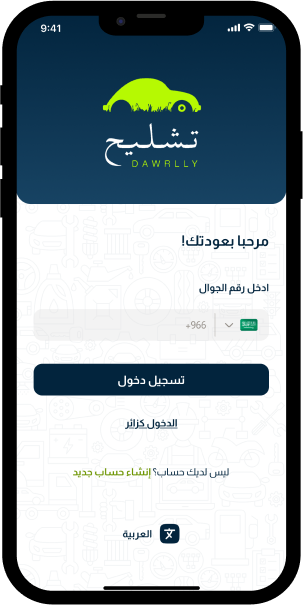
In the dismantling application, we provide you with everything you need to obtain spare parts for your car easily and quickly, through a group of innovative services that save you time and effort.

Easily search by car type, model, year of manufacture or serial number of the part.
The ability to know prices from several stores and choose the one that suits you best
Call or WhatsApp the store directly from within the app
Find spare parts for your car, compare offers, and contact the store directly in quick and easy steps


In this section, you'll find clear and simplified answers to the most common questions you may have about using the app, from how to search for parts, how to contact scrapyards, and even payment and receipt details.
In this section, you'll find clear and simplified answers to the most common questions you may have about using the app, from how to search for parts, how to contact scrapyards, and even payment and receipt details.


We are always here to help you and answer all your inquiries. Whether you have a question about how to use the application, need technical support, or want to share your suggestions to improve our services, our support team is ready to serve you.